
Fritz.smartgateway serves as the web admin interface for FRITZ!Smart Gateway devices at http://fritz.smartgateway.
How to Login to FRITZ!Smart Gateway?
Access your FRITZ!Smart Gateway interface by following these steps:
- Open a web browser (Chrome, Firefox, Safari, or Edge).
- Type http://fritz.smartgateway in the address bar and press Enter.
- Enter your FRITZ!Smart-Kennwort password when prompted.
- Click “Anmelden” to log into the gateway interface.
Alternatively, you can access the interface using the default IP address by typing http://192.168.178.2 in your browser’s address bar.
Note: The FRITZ!Smart-Kennwort password is printed on a label located on the back of your device.
How to Register Smart Home Devices
Connect new smart home devices to your FRITZ!Smart Gateway:
- Log into the FRITZ!Smart Gateway user interface using the steps above.
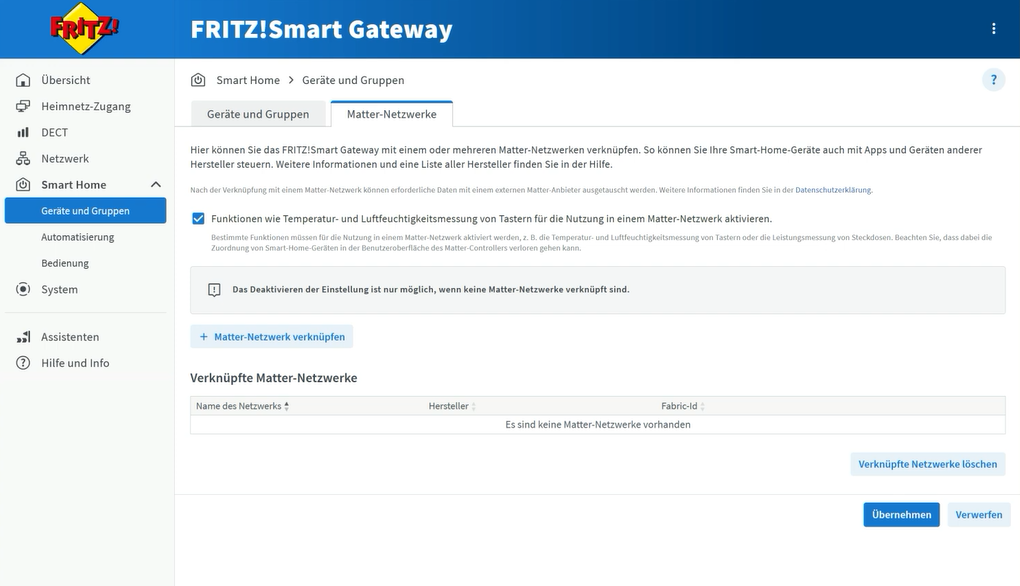
- Go to Smart Home > Geräte und Gruppen > Gerät anmelden.

- Select An einer SH-Basis angemeldet option.
- Follow the on-screen instructions to complete device registration.
- Your smart home device will be successfully registered and ready for use.
Troubleshooting Access Issues
If you cannot access fritz.smartgateway, try these solutions:
- Ensure your device is connected to the same network as the FRITZ!Smart Gateway.
- Make sure you’re typing fritz.smartgateway correctly without any extra characters.
- Use the direct IP address 192.168.178.2 if the domain doesn’t work.
- Delete cookies and browsing data, then attempt access again.
- Turn off any VPN connections that might interfere with local network access.
- Verify that all LED indicators on the FRITZ!Smart Gateway are functioning properly.